CineRecce
Plan the light before you get to the location.
Scan the room on the recce. Light it on a plan, check every shot in 3D, then hand the plan to the gaffer.
For
DoPs, gaffers, directors
Runs on
iPhone and iPad with LiDAR
Web, Mac and Windows planner
Status
Coming soon
On the recce
Get the room
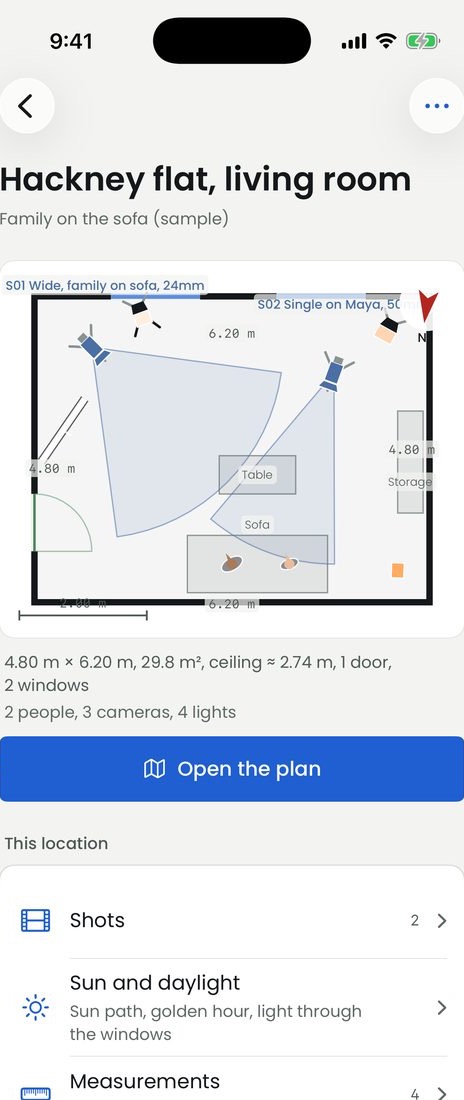
Scan it with the LiDAR on your iPhone or iPad, or draw it by hand. You get the walls, windows and doors where they really are, not a sketch from memory.
The phone does the scanning and measuring. The planner on the web or desktop is for lighting on a big screen. Sign in on both and you see the same projects.
In the planner
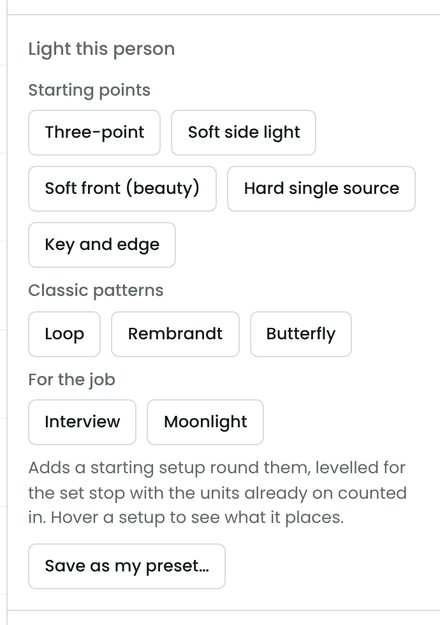
Light it on the plan
Place lights, grip, people and cameras. Each face shows what it will read in T‑stops, so you can see the contrast before anyone rigs anything. Readings are estimates, and the app says so.
Before the day
Check the shot in 3D
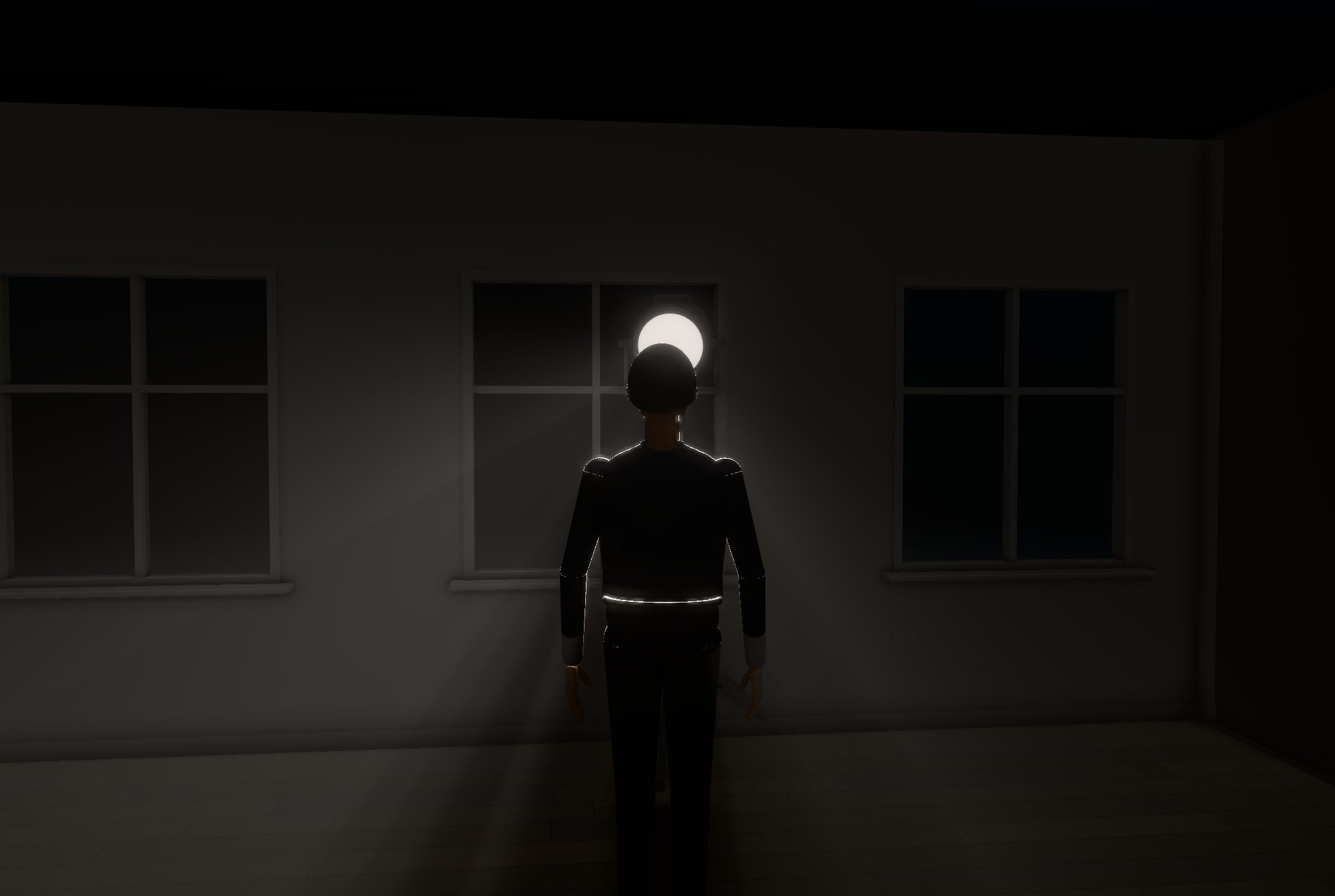
Look through each lens to see what’s in frame before the day.
For the crew
Hand it to the gaffer
Send a plan sheet, or a crew link that opens in any browser without an account.
More
CineRecce has its own site at cinerecce.app, with help, terms and the full privacy policy.
Questions or problems: email norbert@novaluma.com.